To change your browser language, read this article.

  • Customer Log-In
  • Contact Us
    • Account & Device Activation

      • Activate Devices

        • Installation

          • Dash Cams

            • My Account

              • Map

                • Reports

                  • Maintenance

                    • Alerts

                      • Mobile App

                        • Features

                          • ELD

                            • Troubleshooting

                              • Integrations

                              • Home
                              • Account & Device Activation

                              Account & Device Activation

                              Contact Us

                              If you still have questions or prefer to get help directly from an agent, please submit a request.
                              We’ll get back to you as soon as possible.

                              Please fill out the contact form below and we will reply as soon as possible.

                              • Account & Device Activation
                              • Activate Devices
                              • Installation
                                OBD Plug-in Wired Vehicle Tracker JBUS Device AT3 linxCam Dash Cam ATLT Daily Legacy Solar Tracker Solar Tracker Mini Tracker
                              • Dash Cams
                                Camera Settings linxCam FAQ Dash Cam FAQ
                              • My Account
                                API Billing Canceling Service Contact Support Credentials Devices & Troubleshooting
                              • Map
                                Geofences Map Alerts Route Replay Settings Tracking
                              • Reports
                                Driver Reports IFTA Vehicle & Equipment Reports
                              • Maintenance
                                Maintenance History Maintenance Reminders
                              • Alerts
                                Alert Notifications Alert Settings Safety Alerts Summary Emails Troubleshooting Alerts Vehicle Alerts
                              • Mobile App
                                Account Settings Coaching Sessions Customers Item Tracking linxCam Live Streaming Map Setup Tracker Information
                              • Features
                                Coaching Sessions Customers Dispatch Driver Coaching Fuel Cards Fuel Consumption Geofences Groups Item Tracking Linxup AI Location History Maintenance Notifications Reports Safety Score Share ETA Timesheets Users & Drivers
                              • ELD
                                ELD FAQ ELD Onboarding Helpful Links
                              • Troubleshooting
                                OBD Plug-in Troubleshooting Wired Vehicle Tracker Troubleshooting JBUS Troubleshooting AT3 Troubleshooting linxCam Troubleshooting Dash Cam Troubleshooting ATLT Daily Troubleshooting Legacy Solar Tracker Troubleshooting Solar Tracker Troubleshooting Mini Tracker Troubleshooting
                              • Integrations
                                Procore ServiceTitan Whip Around Fleetio
                              + More

                              Table of Contents

                              Welcome to Linxup! Video Walkthrough Activate Your Account Activate Your Device Click on your device to get started

                              Welcome to Linxup!

                              This simple step-by-step guide will walk you through installing and activating your account and devices. Let’s get started!

                              Review installation instructions here.

                               

                              Video Walkthrough

                              How to create an account, activate devices, and activate and pair cameras


                              Activate Your Account

                              1. Open your web browser (Chrome is recommended) and go to: https://activate.linxup.com/getstarted/
                              2. You will be directed to the Activation Page where you will finish your account registration. Fill out the following information:
                                • Activation Code: Enter the Activation Code found on your device.
                                  • Vehicle trackers and asset trackers have the activation codes listed on the device labels.
                                  • ATLT Daily trackers and Mini trackers have the activation codes on the box they arrive in.
                                  • The Stand Alone Dash Cam activation code is the serial number found on the camera itself and is displayed on the screen.
                                • First and Last Name: Enter your first and last name.
                                • Email Address: Please use the email address you provided when completing the order.
                                • Create/Confirm Your Password: Make it strong and secure!
                                • Read through our Terms & Conditions and then click the checkbox to agree before clicking ‘Next.'


                              New Customer / Customer Log In page


                              Activate Your Device


                              NOTE: If you just activated your account, your activation code you entered on the previous screen should auto populate in the New Tracker Activation pop up found in step 4.

                              If the New Tracker Activation box does not automatically appear, follow the steps below to activate your device.


                              1. Log in to your Linxup portal: https://www.linxup.com/login.html
                              2. Navigate to the Tracker Setup page.
                              3. Select ‘Add New Tracker’ from the top right corner to open the New Tracker Activation box.
                              4. Enter your activation code.
                                • Vehicle trackers and asset trackers have the activation codes listed on the device labels.
                                • ATLT Daily trackers and Mini trackers have the activation codes on the box they arrive in.
                                • Camera serial numbers are the activation codes. 
                                  • The Dash Cam activation code is found on the camera itself and is displayed on the screen.
                                  • The linxCam activation code is found on the camera itself and on the box it arrives in.


                              New Tracker Activation pop up on Tracker Setup


                              1. Name your tracker based on the naming convention you use to manage your vehicles.
                                • Some common ways to name your vehicle: Blue Truck, Van ##, Sophie’s Car, Ford F150, Tractor ###, etc.


                              Name Your Tracker on New Tracker Activation pop up


                              1. Enter in any optional information you would like to add for your tracker.


                              TIP: If you are adding trackers into multiple groups, complete Group Setup before activating the remainder of your devices.


                              Group Setup page


                              Congratulations! You have now set up your first device and your portal has been activated for use. From here, you can either choose to activate more trackers or complete the process and begin using your system.


                              Installing your device is simple. The guides below will walk you through installing your tracking device step-by-step.


                              Click on your device to get started 

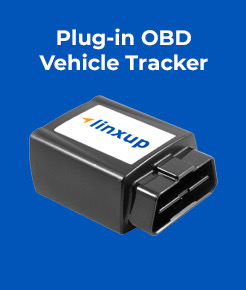
                              Plug in OBD Vehicle Tracker

                              Plug-in OBD thumbnail

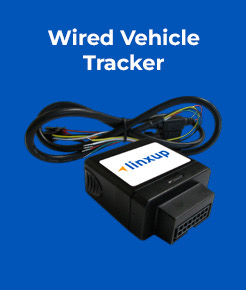
                              Wired Vehicle Tracker

                              Wired vehicle tracker thumbnail

                              JBUS Tracker

                              JBUS tracker thumbnail

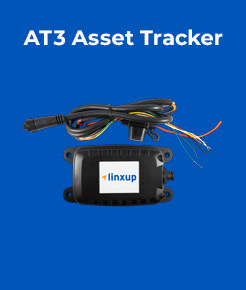
                              AT3 Asset Tracker

                              AT3 asset tracker thumbnail

                              linxCam

                              Dash Cam

                              Dash Cam thumbnail

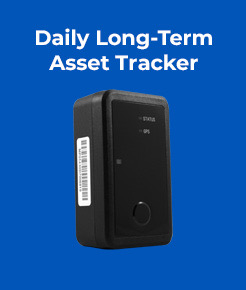
                              Daily Asset Tracker

                              Daily Long-Term Asset Tracker thumbnail

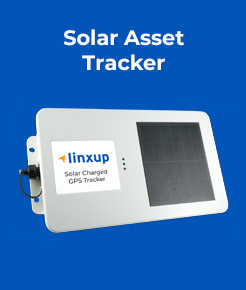
                              Solar Asset Tracker

                              Solar Asset Tracker thumbnail

                              Solar Asset Tracker

                              Topfly Solar Tracker thumbnail

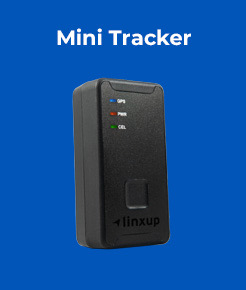
                              Mini Tracker

                              Mini Tracker thumbnail

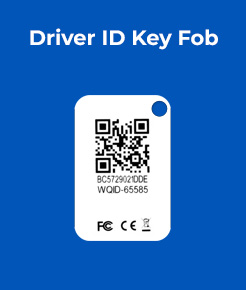
                              Driver ID Key Fob

                              Driver ID Key Fob thumbnail

                              Tool Tracker

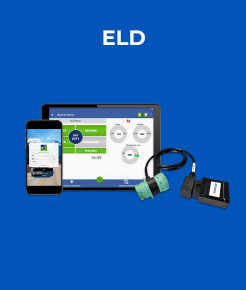
                              ELD

                              ELD thumbnail

                              SD Cards


                              Was this article helpful?

                              Yes
                              No
                              Give feedback about this article

                              Related Articles

                              • OBD Plug-in Troubleshooting
                              • Dash Cam Troubleshooting
                              Linxup GPS Trackers
                              Activate Devices Customer Log-In Support
                              Call us today 1-877-732-4980
                              Copyright ©2024 Linxup

                              Knowledge Base Software powered by Helpjuice

                              Expand